Hobby
Setting Up a Miyoo Mini Plus Retro Handheld
By Ryan Hurd · Published Apr 4, 2025
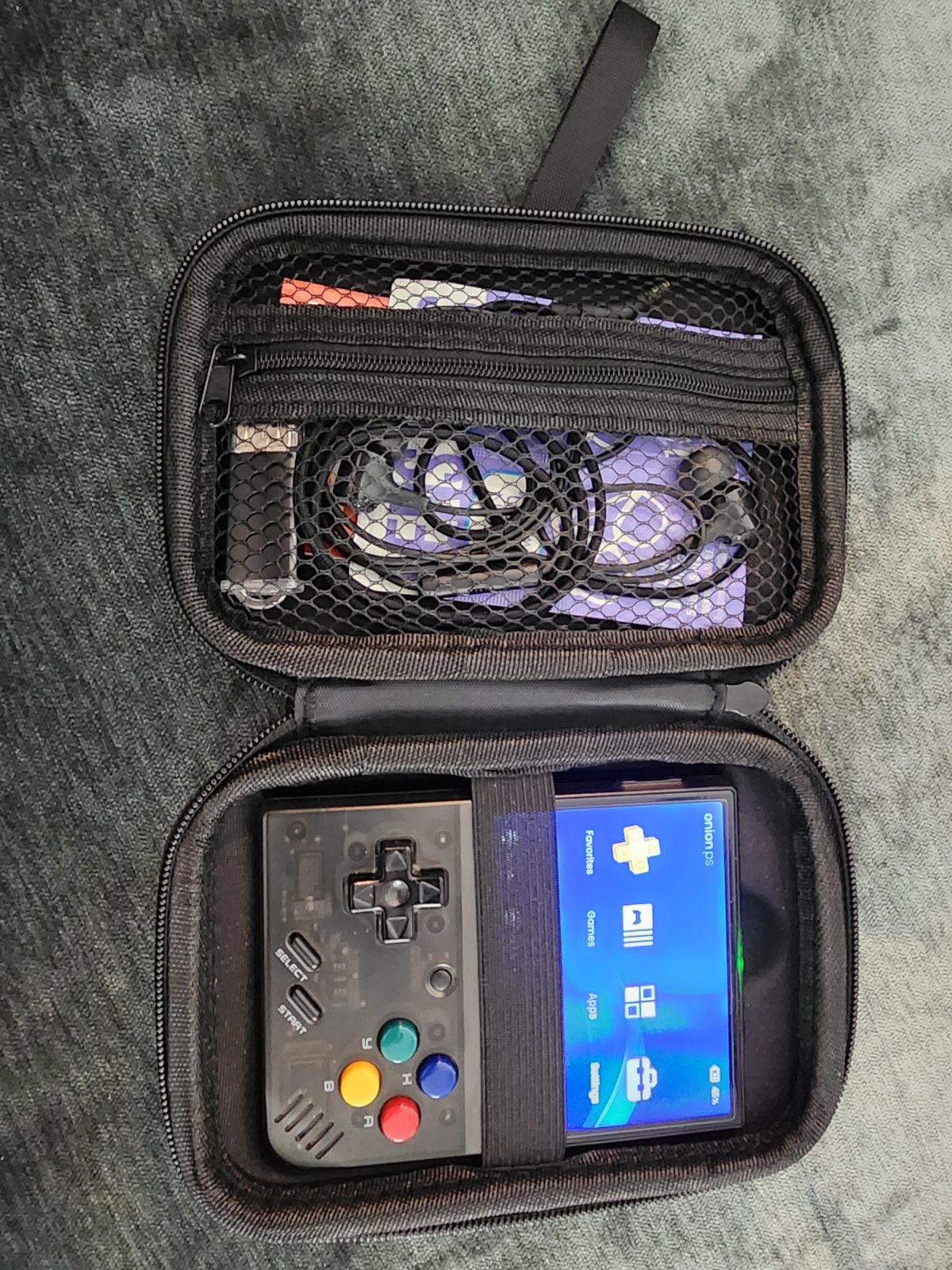
I've been wanting a dedicated retro handheld for a while, and the Miyoo Mini Plus finally pulled the trigger for me. It's small, the screen looks great for the price, and the community support around it is excellent -- which matters a lot once you start customizing one of these. The first real step was flashing Onion OS onto the SD card. It's a custom firmware built specifically for the Miyoo Mini/Mini Plus that replaces the stock interface with something far more capable -- better organization, theming, save states, the works. The flashing process itself is straightforward: format the card, write the Onion OS image to it, and boot the device for the first time to let it finish setting itself up. Storage was the next decision, and I didn't want to be precious about it -- I went with a 512GB card so I'd never have to think about space again. Currently sitting around 137GB used, which should give you a sense of just how much a card that size can hold once you start filling it in. As for actually building out the library -- I'll leave the specifics vague here, since it's worth being careful about. I ended up using a tool that helped speed up grabbing files from a site hosting a wide range of console games. If you go this route, please make sure whatever you're adding to your own setup is something you're actually legally entitled to have -- backups of games you already own, that kind of thing. I'm not going to pretend I have a tidy answer for exactly where the legal line sits for everyone, so use your own judgment here. What I ended up with is a genuinely wide spread of platforms -- everything from the obvious ones (NES, SNES, Genesis, Game Boy in all its flavors, PlayStation) to some deeper cuts I hadn't touched in years: Vectrex, Neo Geo Pocket, WonderSwan, Sufami Turbo, SuperGrafx, PICO-8, TIC-80. Close to 40 systems total, all sitting on one card, all launchable from the same clean Onion OS interface. Onion OS organizes everything by console automatically once the folder structure is right, and from there it's just a matter of picking a system and scrolling. Box art, save states, and per-game settings all just work once things are named and placed correctly. One thing I'm already planning to tackle next: with a library this size, duplicates pile up fast -- the same game showing up in multiple languages/regions eats space and clutters the UI for no real benefit. That's a project for another post.
Shop this post
The links above are affiliate links -- I may earn a commission on qualifying purchases made through them, at no extra cost to you.
Comments
Loading comments...