Setting Up Home Assistant OS for Our Smart Home
By Ryan Hurd · Published Oct 12, 2026
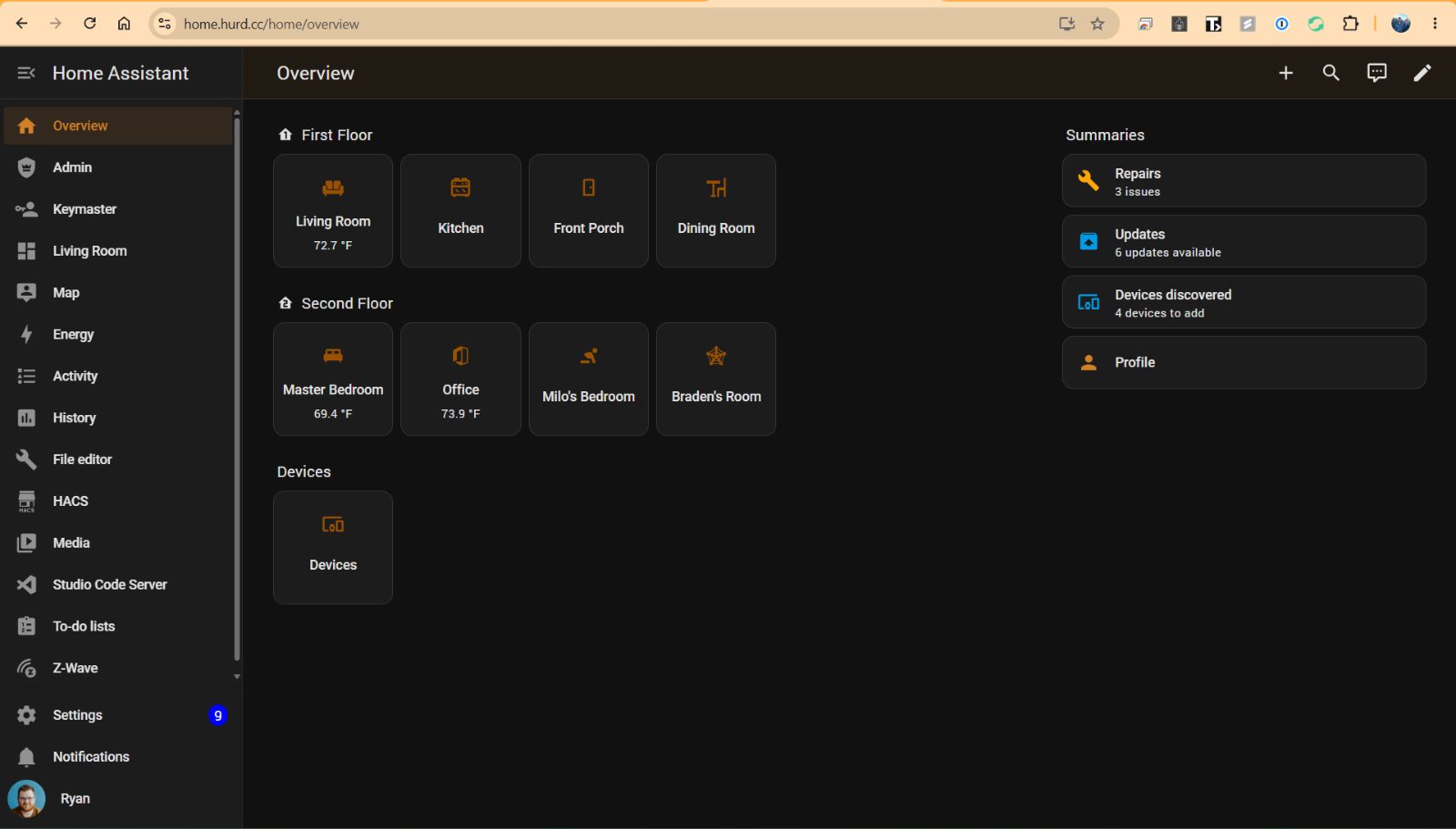
After getting Pi-hole running, the next project on my home-lab list was Home Assistant. I wanted one place to control and automate everything in the house instead of juggling a different app for every brand. I went with Home Assistant OS (HAOS), the full appliance-style install that manages itself, add-ons and updates included.
Where it runs
I'm running HAOS in a VMware virtual machine on the same PC that hosts my Pi-hole. I considered a Raspberry Pi, but the PC has a lot more power, and I already had it running around the clock. A VM on it cost me nothing extra. The trade-off is the same as with Pi-hole: if that PC goes down, so does the smart home, so I set the VM to start automatically.
Getting to it at home.hurd.cc
Typing an IP address and port gets old fast. I already had a Cloudflare Tunnel running with cloudflared for my Pi-hole, so I used it for Home Assistant too. Now home.hurd.cc gets me to my dashboard from anywhere, with no ports opened on the router. Access is protected by Home Assistant's own sign-in.
Z-Wave
For the Z-Wave side I added a Zooz Z-Wave USB stick and passed it through to the VM. Z-Wave devices talk to Home Assistant through it, without a separate hub or a vendor's cloud.
What I connected
- Security cameras. A few Tapo C110 cameras inside and a Tapo C460 solar camera outside, so all the feeds are in one place.
- Thermostat. Our ecobee, along with the extra ecobee sensors I put upstairs. Upstairs is always a different temperature than the main floor, and the extra sensors let the thermostat balance both instead of only trusting the one in the hallway.
- Front door lock. The Kwikset, so I can check it and lock it from anywhere.
- Alexa, so we can still use voice control.
Add-ons
I installed three add-ons: Terminal & SSH, File editor, and Z-Wave for the USB stick. They cover most of what I need for fixing things and editing configuration.
Backups
Backups save to my NAS, so a bad update or a dead drive doesn't take the whole setup with it.
Automations so far
I haven't built many yet, mostly just getting devices connected. The one I do have is my favorite: the front door locks itself when Alycia, Braden and I are all away from home. I don't have to wonder whether I locked it after leaving.
What's next
Now that everything is in one place, I want to build more automations around the thermostat and cameras, and see what else the Z-Wave stick can add.
As an Amazon Associate, I earn from qualifying purchases.
Shop this post
The links above are affiliate links -- I may earn a commission on qualifying purchases made through them, at no extra cost to you.
You might also like
Comments
Loading comments...